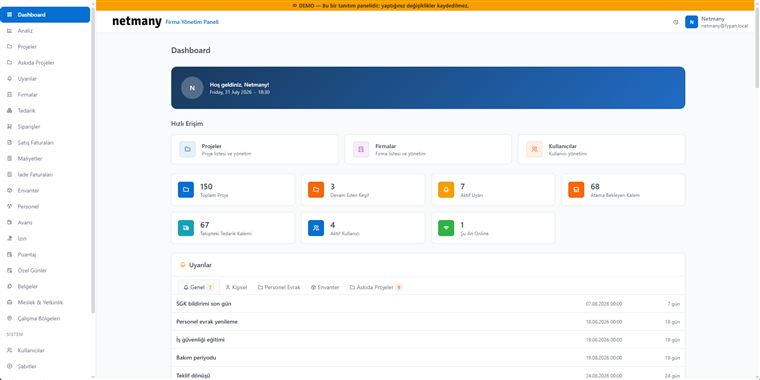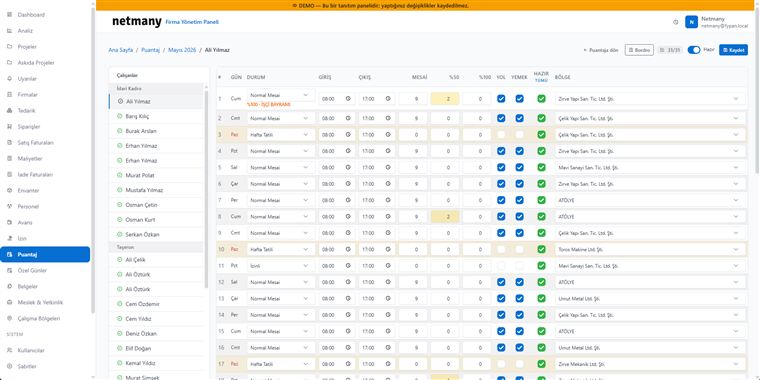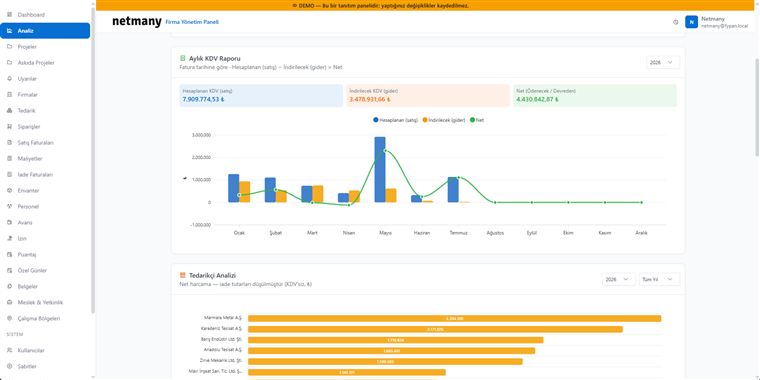
On construction and production work, knowing where your equipment is and its condition directly affects cost. FYPAN’s Inventory module brings all assets together in one panel — from machinery and hand tools to vehicles and consumables. This guide explains how to set up and track inventory.
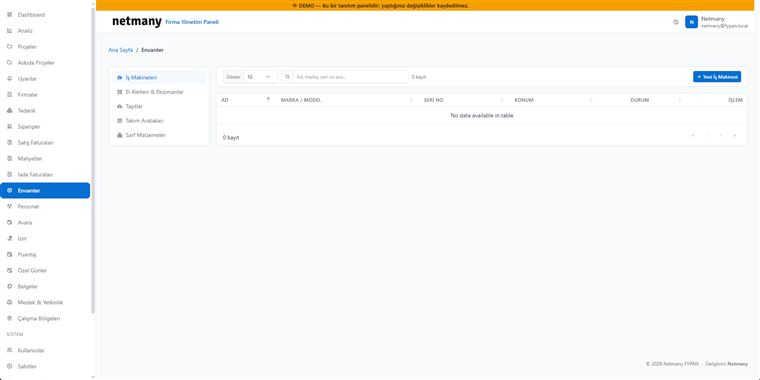
Inventory is kept in five separate groups: Machinery, Hand Tools & Equipment, Vehicles, Tool Carts and Consumables. Each group has its own list and fields, so a generator and a drill bit are tracked the same way but without getting mixed up.
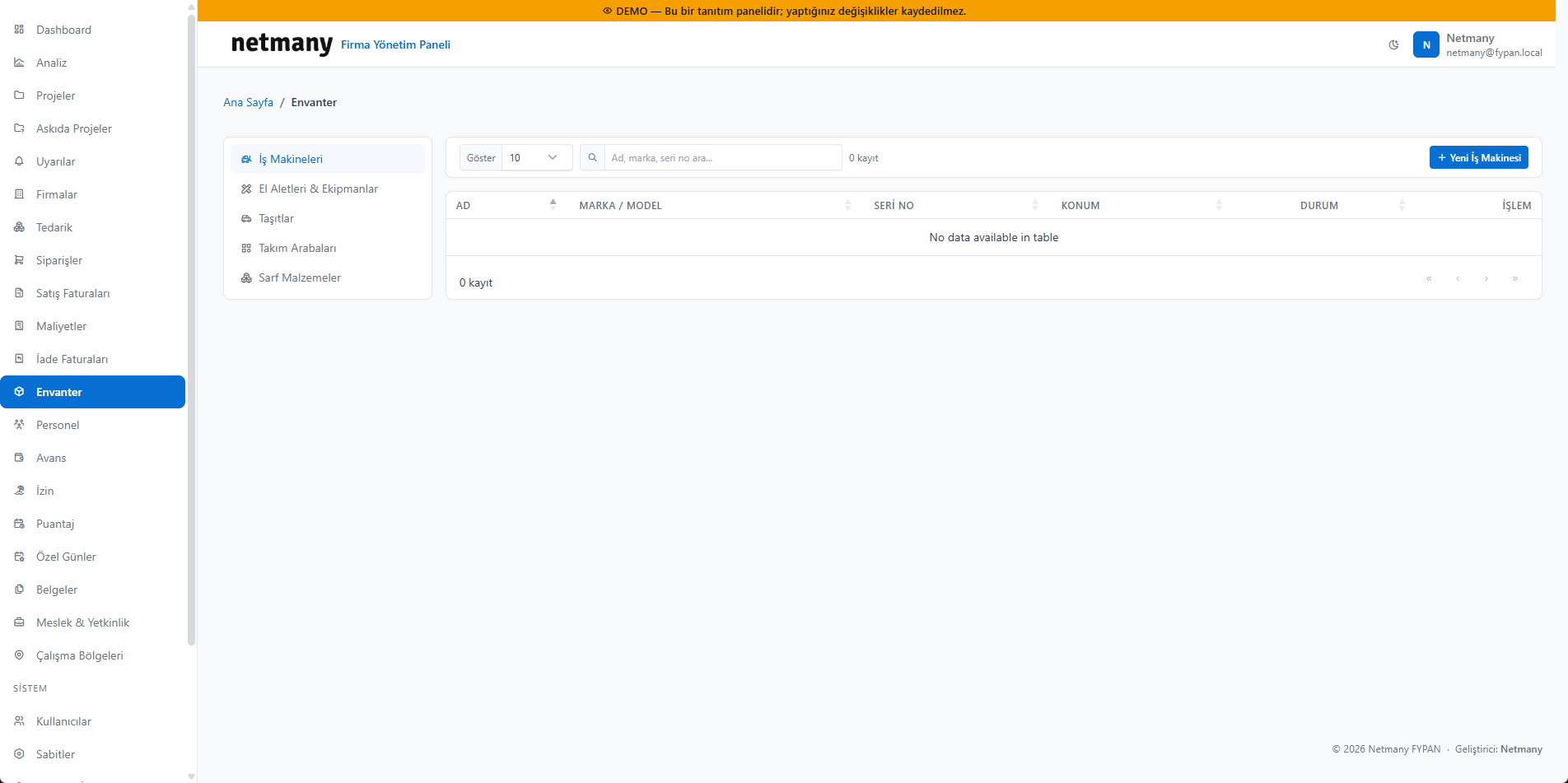
Open a record with New Machine (or the relevant type). Enter the name, brand/model, serial number, location and status. The serial number and location let you quickly search for field equipment and see where it is.
Each item’s status (in use, idle, in maintenance) and location are visible in the panel. As equipment moves between sites, its location is updated, so “which machine is where” is answered at a glance. For consumables, a low-level alert warns you when stock runs low.
If you’d like to see your inventory with your own equipment list, let us set up a custom demo.